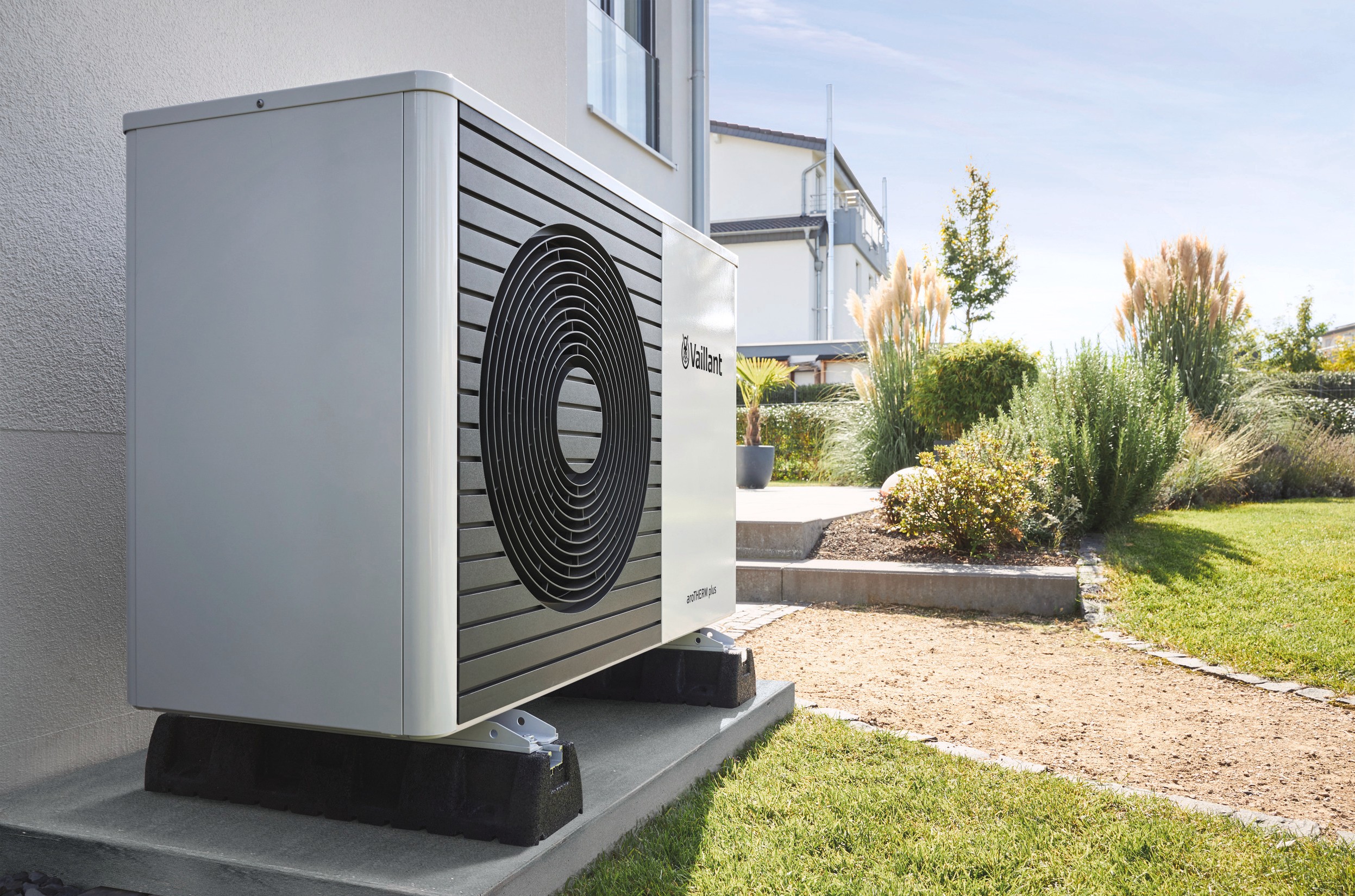
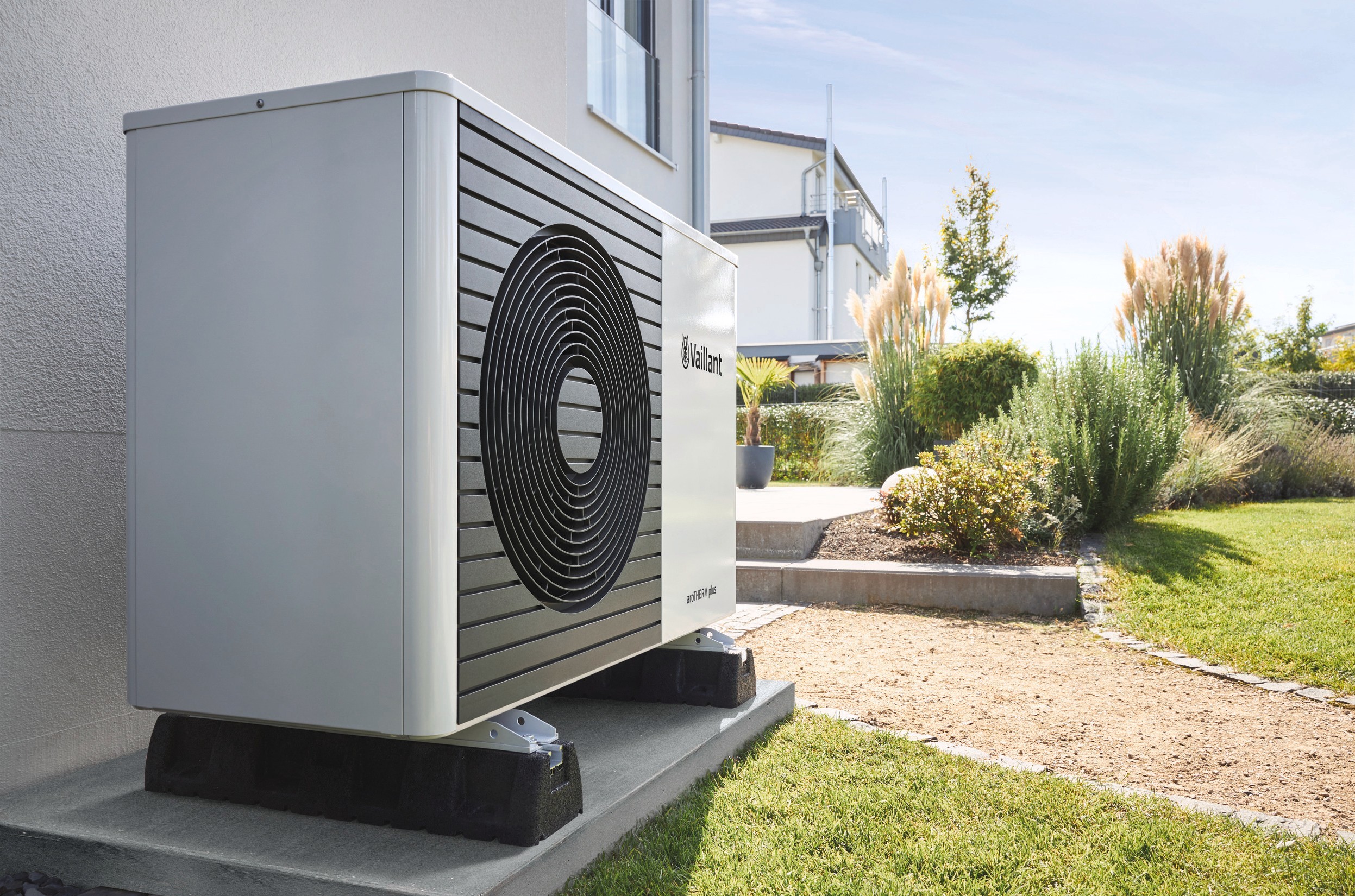
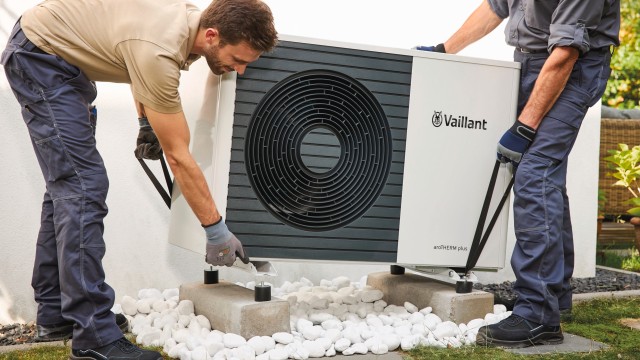
Step-by-step guide on how to defrost your frozen condensate pipe.
Experiencing an F.28/F.29 fault code?
If you have a boiler...
If your boiler is showing a fault code, please see our fault code page for further information.
Need technical advice? Call us on 0344 736 0049 and one of our experts will be happy to help you.
If you have a heat pump...
If your heat pump is showing a fault code, please visit our heat pump fault code page.
If you need technical advice, please call us on 0330 100 3540
Alternatively, you can contact us via WhatsApp or use your myVaillant Web account to book an engineer visit.
If you booked your appointment through myVaillant Web, simply log back into your account and select 'amend my booking'.
If your appointment is within the next 24 hours or you booked it via the call centre, please call us on 0330 100 3143, alternatively, out of hours, you can also contact us via WhatsApp.
You must register your appliance in 30 days of installation to receive your guarantee. You can register your appliance on myVaillant Web. If you have purchased a new build property, please speak to your developer or contact us onWhatsApp with proof of completion.
If you are unsure whether your boiler is eligible for our maintenance plans or repairs, please contact us for more information on WhatsApp using the general enquiries option.
We are here to help keep your heating system running smoothly.
If you are a tenant, please ask the property owner to arrange the appointment on your behalf by contacting us via WhatsApp. If you already have their permission, you can make contact with us via WhatsApp to book your appointment.
If you live in a council or social housing property, please speak to your housing provider directly to arrange a visit.
We use Google to verify addresses, so newly built properties may not yet appear. If your address isn’t recognised, please contact us via WhatsApp and our team will help you set up your account.
If the serial number has already been registered to a previous account or homeowner, myVaillant Web will not except the serial number.
Please contact us via WhatsApp with proof of ownership of the property where we can support with transferring the account details.
You will need to request a password reset on the myVaillant Web portal. The reset email will be sent to the email address associated with your account.
If you haven’t received the email, please:
1. Check your spam or junk folder.
2. Make sure you are checking the same email address used when creating your account.
If you still don’t receive the email or require further assistance, feel free to contact us via WhatsApp where we can support with your account issues.
There are a few reasons why there may be no service appointments available on myVaillant Web:
In busy periods, we have to ensure there is availability for emergency appointments; therefore, our annual servicing appointments are limited during this time. If a future appointment is available, please confirm the appointment and pay the upfront cost to secure your service.
If this appointment is more than 15 months past your previous annual service, please contact us on WhatsApp using the general enquiries option.
There are certain postcode areas where we are currently unable to offer appointments, or appointments are limited due to emergency work. Please call us to discuss your options or check availability on 0330 100 3143 where one of our advisers can assist.
There are several reasons your service history may not appear:
If you need your servicing or job history, please contact us on WhatsApp.
You will need to be able to send us proof of ownership of your new property and your appliance serial number.
Send this by WhatsApp and we can easily deal with your query and update our records.
If you need to speak to us, call us on 0330 100 3143.
Please check your heat pump interface, which is usually located near your hot water cylinder and should look like a rectangle box with a square screen with 4 buttons.
Press the plus (+) or minus (-) to illuminate the screen, and the issue will be displayed.
You can check this on your sensoCOMFORT or VRC 700 control.
For the sensoCOMFORT - press the three lines in the middle to get to the menu. Scroll down to Control Information and Setting. Select this and go down to energy data.
For the VRC 700 - press the top left button, go down to information, then down to environmental yield or electrical consumption.
To work out the CoP (Coefficient of Performance), you take your energy yield from your controller (see above) plus your power consumption and divide this by your power consumption.
For example: 23(EY) +7(PC) divided by 7(PC).
You can learn more about CoP and why it is important here.
This message doesn’t always mean your compressor is at fault. It could be that the system flow rate is too low or that the flow and return temperature are not within start-up parameters.
This can be resolved by purging your system. If you would like assistance, please call our technical team on 0330 100 3540, who can help you with this.
The first thing to check is that you have the myVAILLANT connect internet gateway installed.
If you have our gateway, watch the video on how to set up the app for iOS and Android.
If you don’t have the myVAILLANT connect gateway, find out more here.
Give our technical team a call on 0330 100 3540 who will be happy to assist.
Contact us via WhatsApp.
Call our Service contact centre on 03301003143
Call our general enquiries on 0345 602 2922.
Choose your enquiry type from the drop-down menu below and a member of our team will be in touch.
If you're an Installer, click here to get in touch.